-
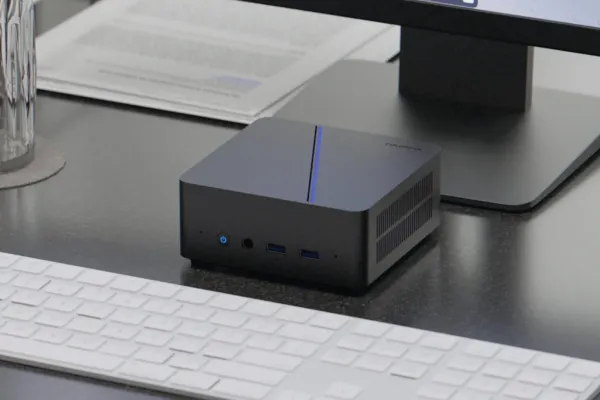 Colorful Expands into Mini-PC Market with New Models Featuring Intel and AMD Processors
 -
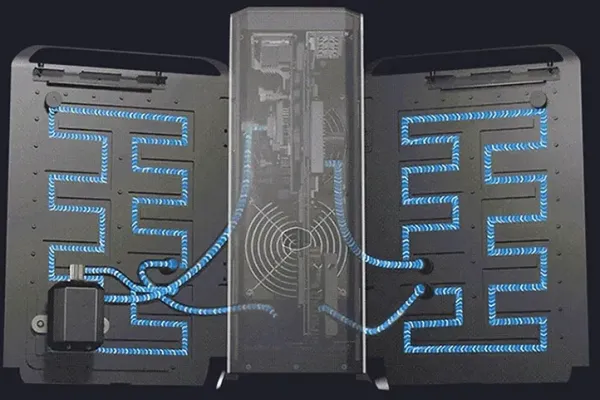 Cooler Master Unveils Advanced Cooling X All-in-One Water-Cooled System (at a less cool 4500 USD)
 -
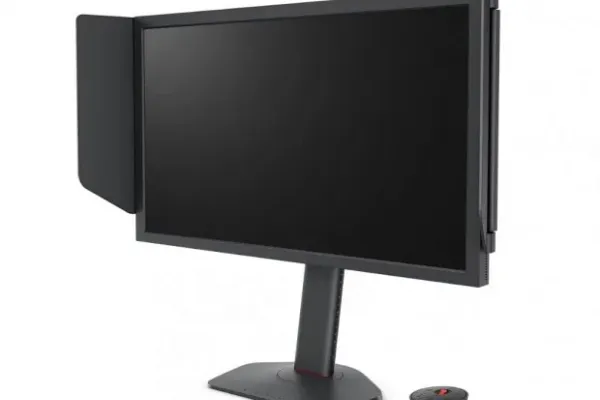 BenQ Releases its super fast 540Hz ZOWIE XL2586X Gaming LCD
 -
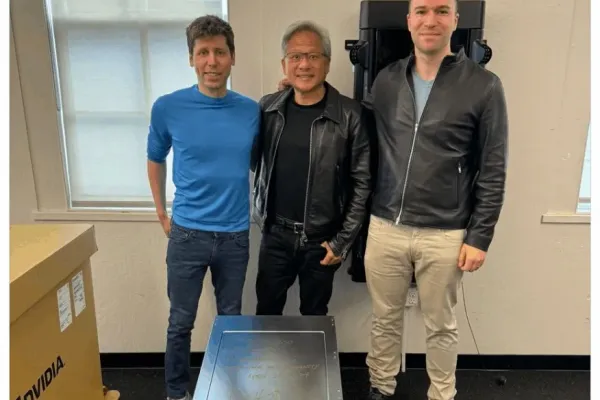 Nvidia CEO Delivers First DGX H200 AI System to OpenAI Leaders
 -
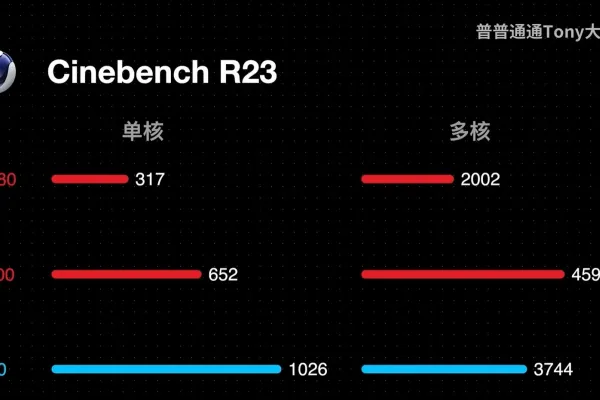 Asus Develops Motherboard for Overclocking Zhaoxin KX-7000 CPU boosts homerown KX-7000 clocks by 25%
 -
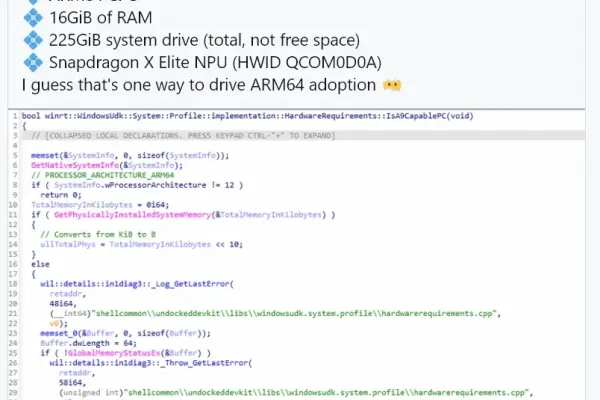 Upcoming Windows 11 Update to Include AI Capability Checks, Warns of Unsupported Hardware
 -
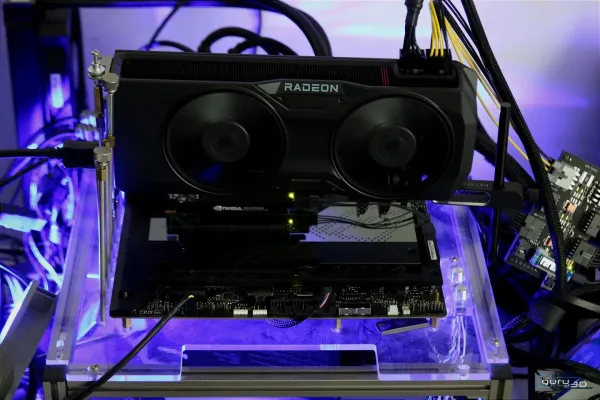 AMD Radeon Software Adrenalin 24.4.1 driver download
 -
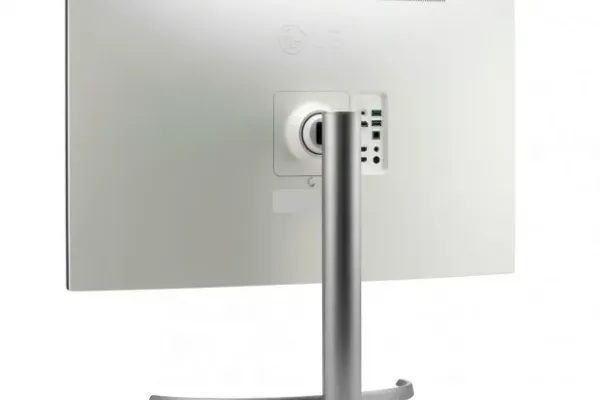 LG Unveils New 4K IPS Black Displays with Advanced Features for Enhanced Color Accuracy
 -
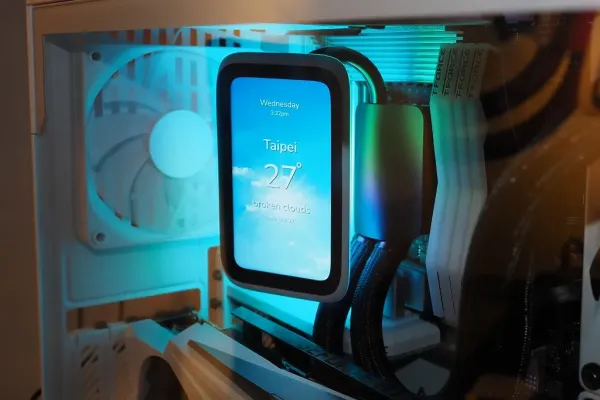 HYTE Introduces the THICC Q60 AIO Water Cooling Unit Featuring Enhanced Display and Radiator Technology
