dLAN 200 AVeasy Product Gallery
dLAN 200 AVeasy Product gallery
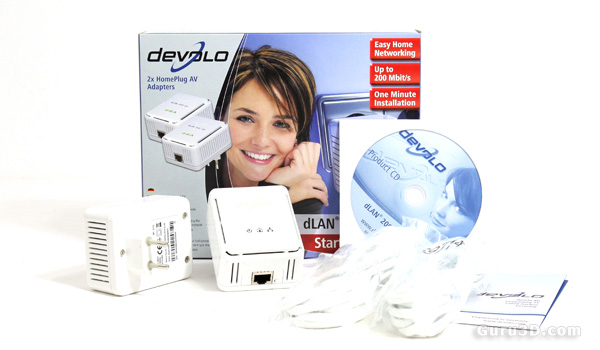
Here we have the Devolo Homeplug dLAN 200 AVEasy kit. The kit comes with two dLAN adapters, two CAT5 cables, a manual (well, pictorial) and a driver CD, which by the way is not really needed or a requirement unless you want to add a layer of security.
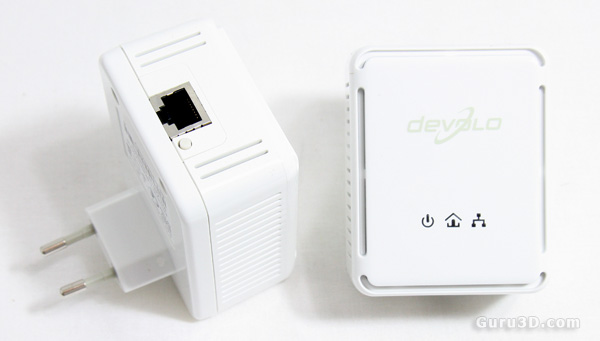
These are the two Homeplug dLAN 200 AVEasy adapters. Plug them in, connect them to your PCs or switch, or router and you have created an Ethernet connection. It's that simple.
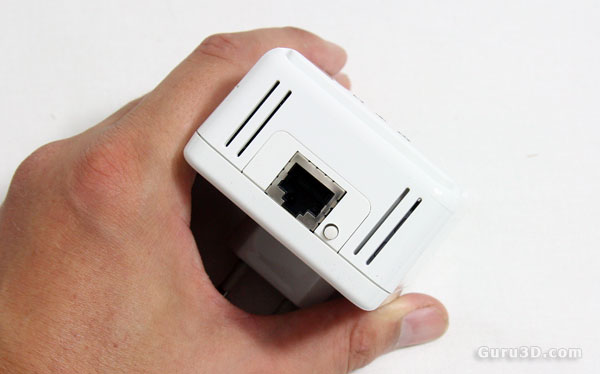
The little button next to the Ethernet connector is in fact a security switch. If you power up the adapter and click on the button on all devices within two minutes then they will be configured in a 128-bit AES encryption. And there's no big loss in performance.
It's nice, not really needed though. It's not like your neighbor can tap into your connection. It all ends at the fuse box. However would you like some more security, you can make your own password protected workgroup with included software where you bind all devices into one group.
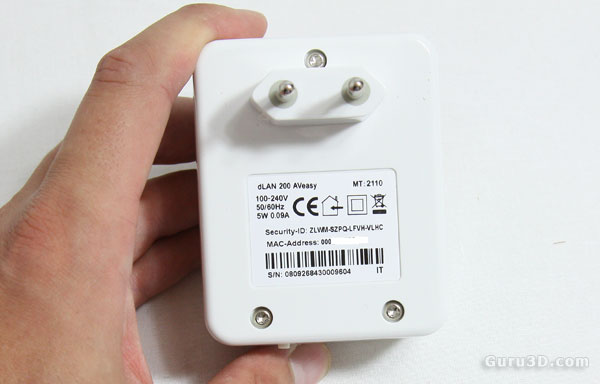
On the backside we see a MAC address and a security ID, the last one is to be used if you like to bind all adapters in a secure group.
