Product showcase
Product showcase
The following images were taken at high-resolution and then cropped and scaled down. The camera used was a Canon 450D 12 MegaPixel.
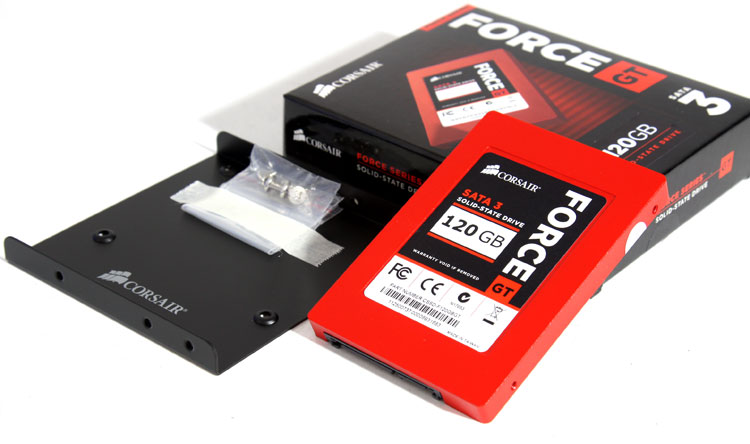
Whooaah there horsy, that's red alright! Check out that demonic hellish red. It kind of hints to Canon L lenses, the best grade quality has a red stripe. Would be a perfect fit for certain PCs with a dark and red color theme, that means that ASUS ROG motherboards would be a perfect combo (if you leave your SSD in plain sight of course).
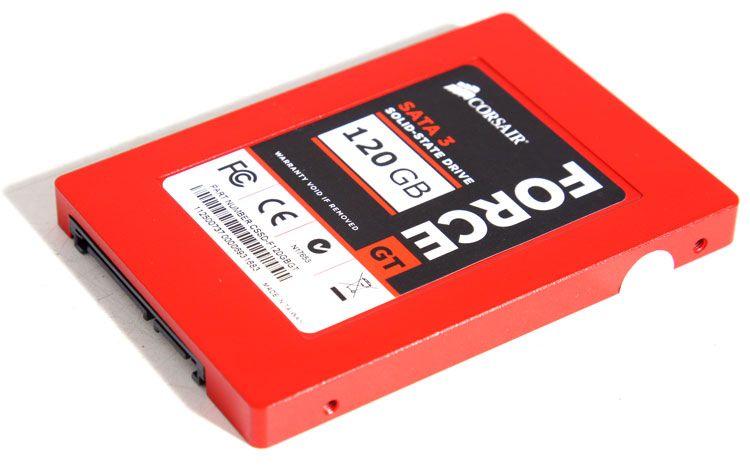
And there it is, this is the Corsair Force GT 2.5" SATA III 120 GB version. You should easily be able to place it somewhere in your chassis. Small and light-weight. This drive chunks out peak read and write speeds over 500 MB/sec, crazy stuff. You do need to connect it to a proper SATA 3 (6G) controller though, the best ones can be found on the Intel series 6 chipset based products (H67/P67/Z68). Some other motherboards will use an additional controller from JMicron or Marvell, these will all result in lower performance.
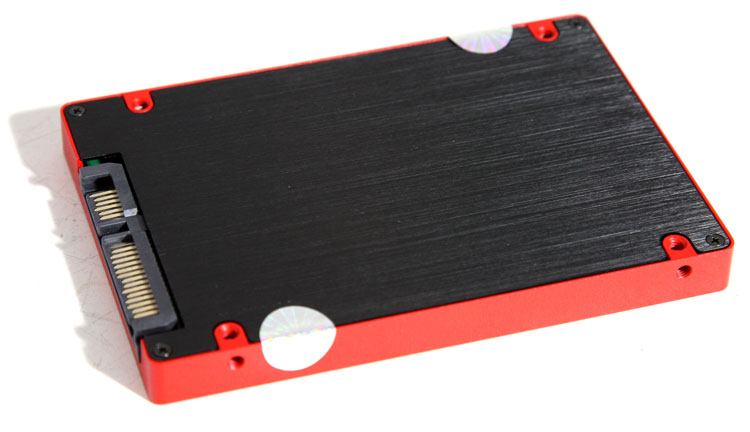
When we look at the connectors, we spot the standard power and Serial ATA connectors. This drive is SATA3 compatible, which typically requires a specific SATA3 cable by the way. A proper SATA 3 (6G) cable is recommended and should be delivered with your motherboard. We did try, and had no issues with a standard SATA2 cable either.
Slim and light-weight at roughly 80 grams, 9.5mm tall, it's the standard for notebook drives and you can easily tuck it away in a regular PC. The SSD comes with a three year warranty. Installation wise it's the same as a traditional HDD. Pop it in, connect it, bind it, format it and you are good to go at horribly fast speeds. It uses the same connectors as a SATA III storage device.
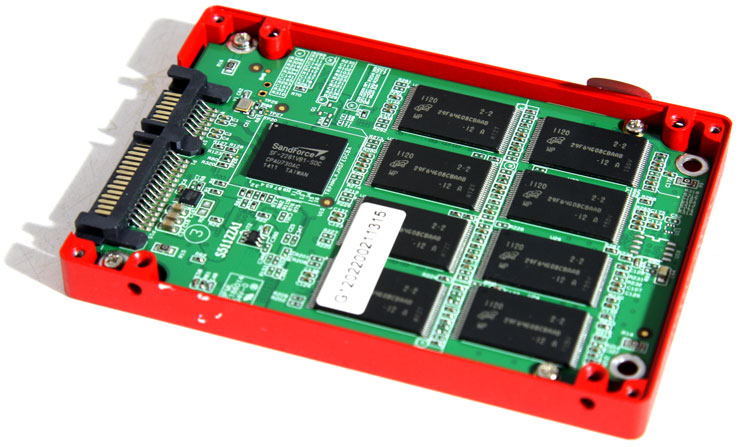
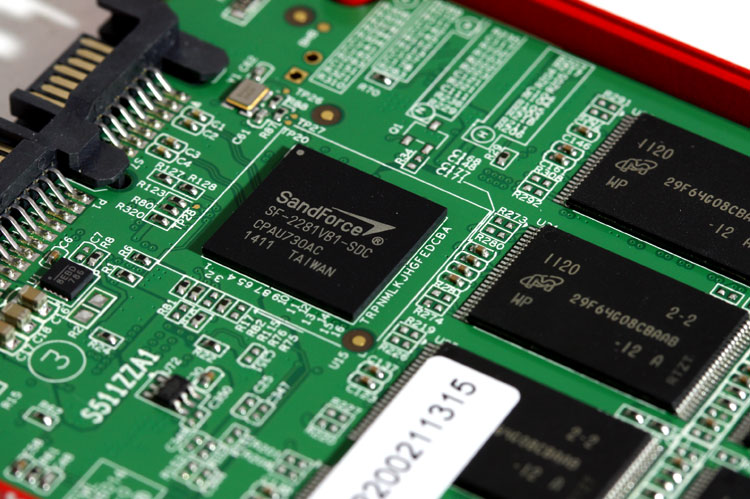
The Force GT PCB; the Sandforce 2281 controller is clearly visible and the eight NAND flash ICs on this side are based on synchronous NAND Flash ICs from Micron. Did you know that an SSD only uses 2 Watts, and in standby that is even kicked back towards roughly 0,5 Watt?
